The app is for the people who are out of the office: photographers on the day, agents following their properties, and admins keeping an eye on things. Editing, delivery, invoices and company settings stay in the web console.
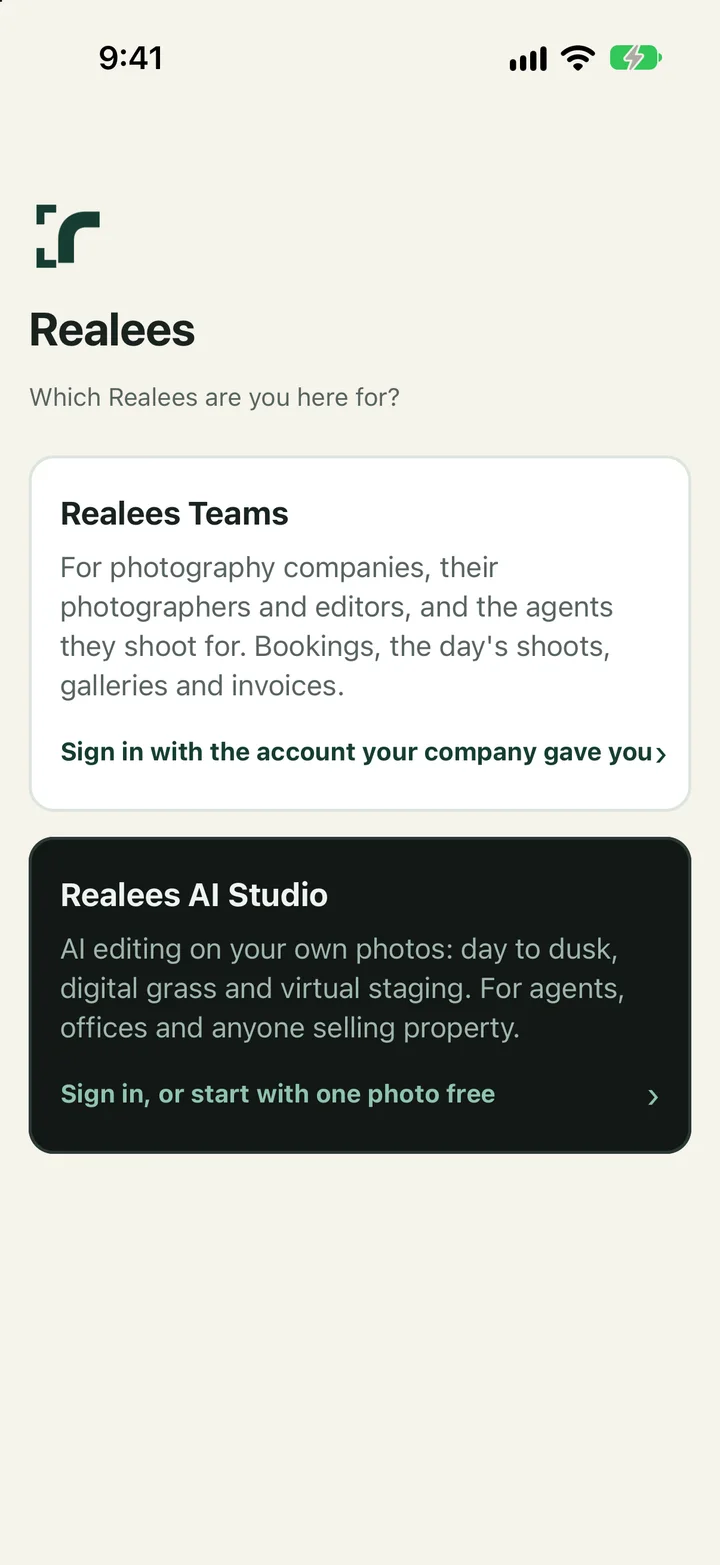
Signing in
- At the start, choose Realees Teams (photography companies, their crew and their agents) or Realees AI Studio (AI editing on your own photos).
- Sign in with the same email and password as the web, or with a 6-digit code sent by email.
- If you belong to more than one company, Account switches between them.
What each person gets
- Photographers: Today, Schedule, Time off and Account. See "The photographer's day".
- Agents: Home, Properties, AI credits and Account: book a shoot, follow it, open the gallery, save or share photos, and order AI edits.
- Admins: Today, Schedule, Jobs, AI credits and Account. See "The app for admins".
- AI Studio: add photos from the phone, order edits, compare and save the results. Plans and packs are bought on realees.com; on an iPhone or iPad, Upgrade on Plan and credits opens it in your browser.
Good to know
- Notifications are optional. The app asks at a moment they are useful (after an agent's first booking, when a photographer has a shoot); change your mind in the phone's settings.
- A photographer's actions work without signal and are sent when it returns.
- Camera originals are uploaded from a computer, not the phone.
- Account has Change password (or Set a password, if you have only used codes) and "Leave company or delete account".