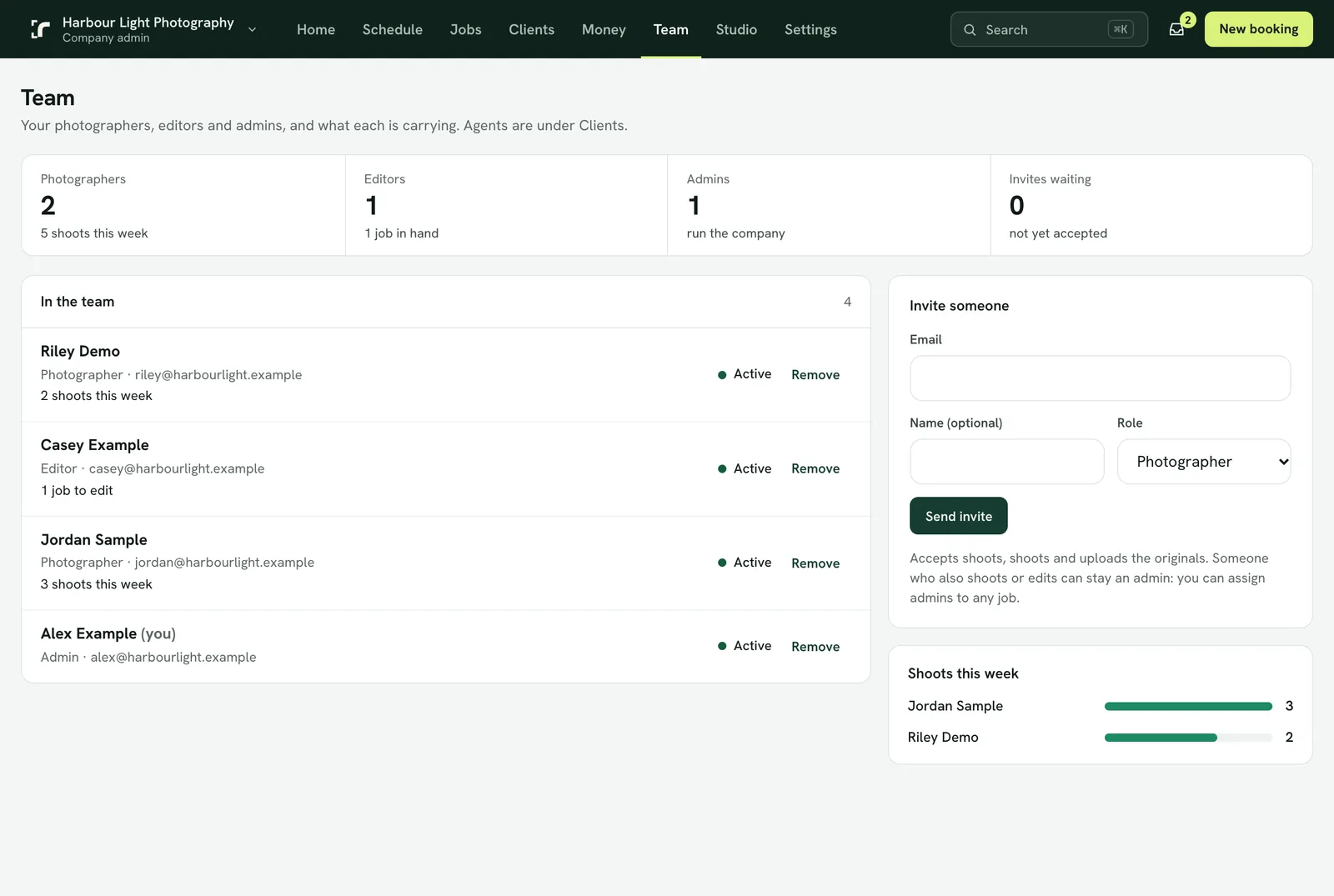
Crew are invited from Team, agents are added under Clients, and an invitation can be sent again.
The Team page with the Invite someone form: email, name and role. Example data.
Photographers, editors and admins
Open Team and use Invite someone: their email, their name and the role.
They get an email with a link that signs them in on the web. Someone new to Realees accepts, chooses a password and opens your company, all on one page.
Someone who already uses Realees with another company keeps their one account and sees your company as another workspace.
Agents and agencies
Open Clients. Add an agency for a real estate office, then Add an agent under it (or on their own, with no agency).
An agent can be email only: they get booking confirmations, gallery links and invoices by email and never need to sign in. Choose Invite to the app when they want to book, follow jobs and order AI edits themselves.
As you add a client, choose Default prices or Their own prices. See "Give a client their own prices".
An agency and an agent can each have a phone, optional. With the agent's phone, your photographers see Call agent on the job in the app, for when they are at the property. The agency's phone shows in the console.
If the invitation didn't arrive
An invitation and its code work for 14 days. Open the person on Team or Clients and choose Resend invitation; the new one replaces the old link.
In the app, an invitation waiting for an answer shows under Account.
A person invited to a company answers the invitation themselves; you can withdraw it until they do.
Pausing someone without removing them
Each person on Team has a tick: Takes shoots for photographers and admins, Takes edits for editors. Only admins can change it.
With it off, that person is not offered for free times, not on the dispatch board and not in the list when you choose a photographer or an editor. They keep their sign-in and the jobs they already have.
Takes shoots can't be switched off while the person has shoots coming up; hand those over first.
You can't remove yourself on Team. To leave, see "Leave a company or delete your account".