Only the company's owner signs up, at realees.com/sign-up. Everyone else joins by invitation, so there is never a stray account that belongs to nobody.
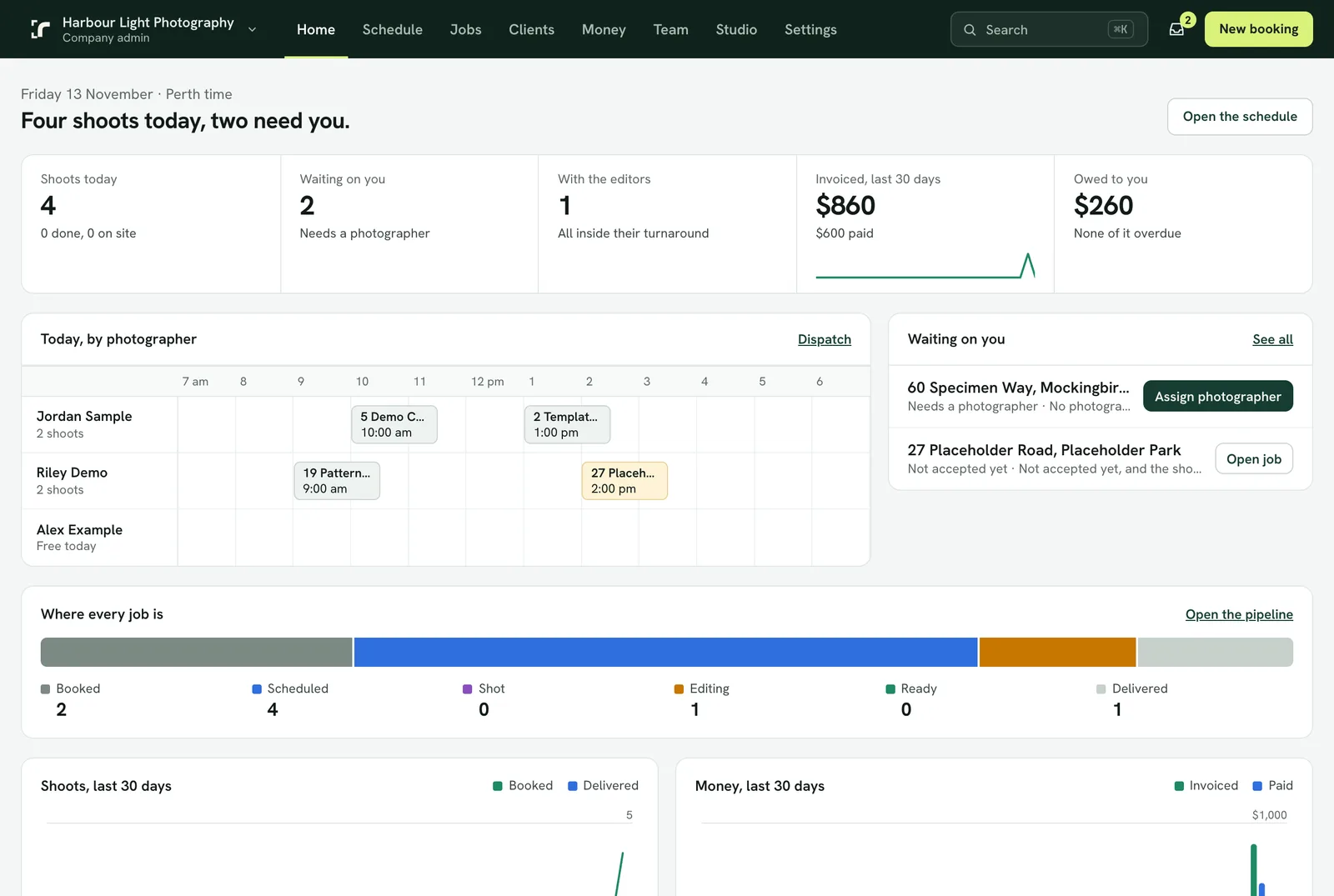
The first ten minutes
- Give your name, the company's name, your email and a password, then confirm the email.
- Enter your business address. Its country sets your currency, time zone, what your tax is called and its rate, and your weekend days. Check them under Settings → Company and locale and change anything that is wrong.
- Fill in Your invoice details on the Money → Invoices page: the trading name, tax number and address that print on invoices, and how clients pay you.
- Add your prices under Money → Services and prices: packages, single services and add-ons. Every price includes your tax and shows it.
- Set your service areas under Schedule → Dispatch: each is a list of suburbs, a shape drawn on the map, or both, with the photographer who usually covers it.
- Invite your photographers, editors and admins from Team. One person can hold several roles; a one-person company needs no switching.
- Add your logo and brand colour under Settings → Branding. They go on your galleries, emails and invoices; Realees stays as a small mark at the foot.
The trial
Every new company starts on a 14-day trial with every feature, 6 AI credits in the company pool and the first 5 delivered listings free. No card is needed to start. Choose a plan under Settings → Plan and billing before the trial ends and nothing changes; without one, the workspace becomes view and download only until a plan is chosen. Nothing is deleted.