Both are under Settings → Travel, surcharges and cancellations.
Travel charges
- Tick Save a company travel policy under Maps and travel charges.
- Set your free-travel area: a circle around your base, or your own shape made by joining pins on the map.
- Set the rates for travel outside it: per kilometre and per minute, with a minimum. They are in your own currency.
- New bookings outside the area get one Travel line, worked out from Google driving routes from the edge of the area to the property. It shows in the booking form and on your booking page before the booking is sent, and stays on the job.
- Long trips can add break charges, measured from the middle of your free-travel area unless you choose another point.
- If a route can't be found, the booking goes ahead with no travel line and you can add one under the job's charges. Existing jobs are never re-priced, and moving a shoot doesn't change its travel line.
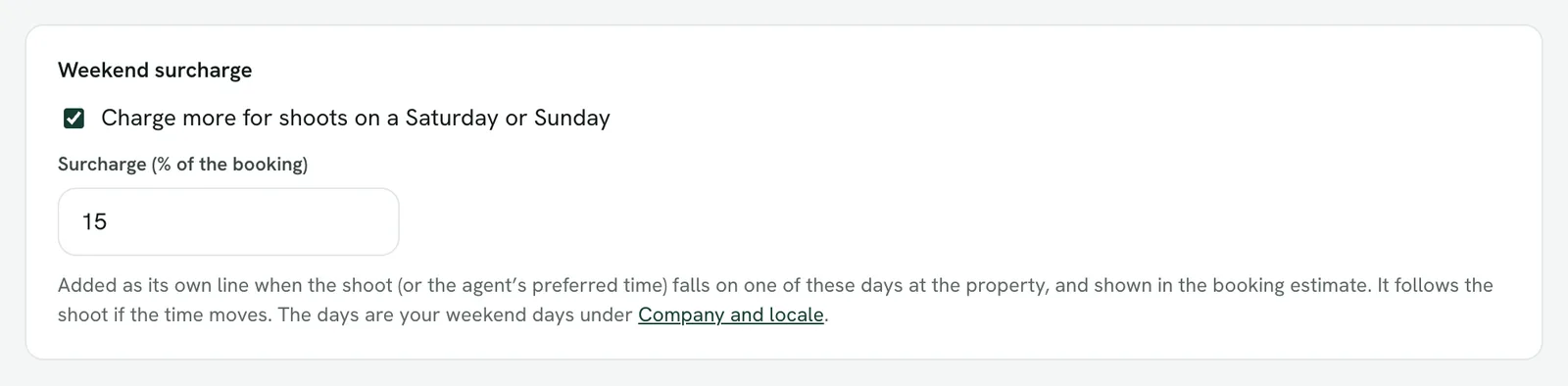
Weekend surcharge
- Turn on Weekend surcharge and enter a percentage.
- It is added to bookings on your weekend days, and shown as its own line before the booking is sent.
- Your weekend days are chosen under Settings → Company and locale, so a company whose weekend is Friday and Saturday is charged correctly.