A booking with no photographer shows on Home under what is waiting on you, and on Schedule → Dispatch beside the week.
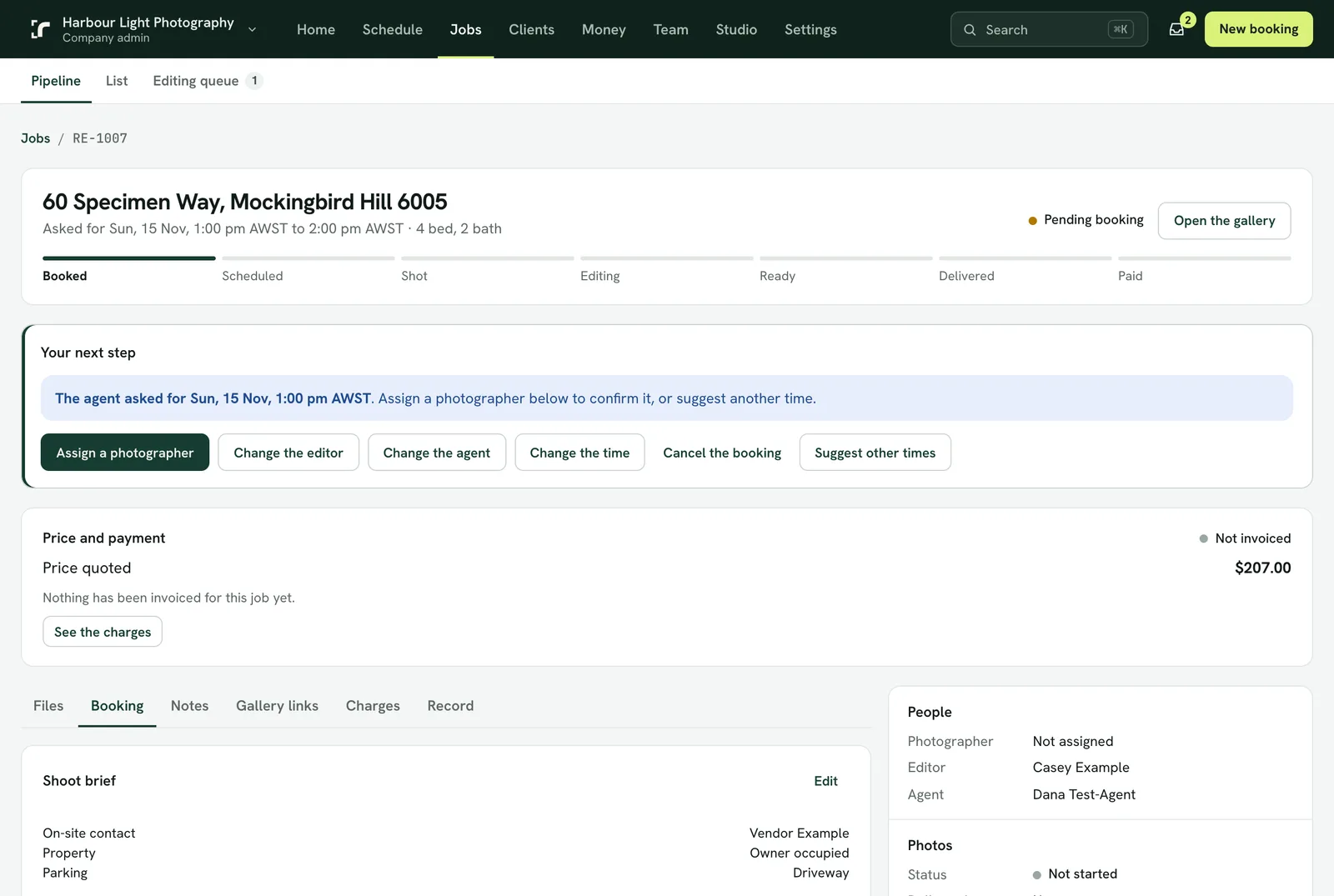
- Open the job. The area's suggested photographer is already chosen; press the button to assign them, or pick someone else and say why.
- The photographer is emailed and notified, and accepts or declines in the app or the console. Until they accept, the booking stays Pending.
- If they forget to answer, you can accept for them: open the job and press Accept for and their name. The booking is confirmed with the agent just the same, they are emailed and notified that you accepted for them, and the job's history shows you did it. They can still ask to be taken off.
- A declined shoot comes back to you with the reason, under what needs attention.
- If they haven't answered after 4 hours, Realees asks them again, once.
- A slot that overlaps another shoot or time off is refused. A slot that leaves less than the drive and setup time is a warning you can accept with a reason.
- A reminder goes to the photographer and the agent the day before, on its own.
The Calendar shows the day, week or month, or a column for each photographer. Dispatch shows the week by photographer and the day's routes on a map.