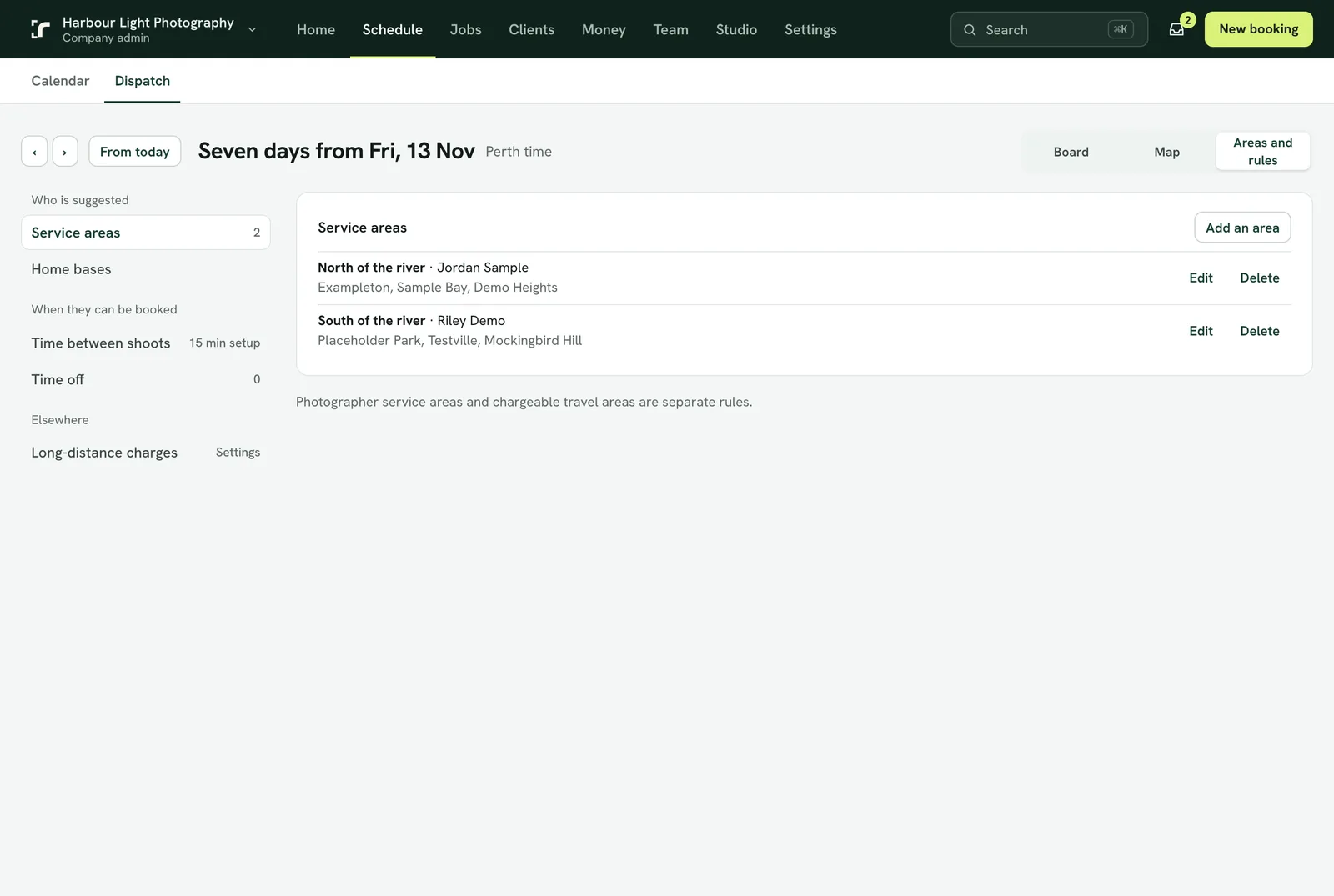
Service areas say which photographer usually covers which part of town. Set them up under Schedule → Dispatch.
Three ways to say where someone works
- A suburb list. Name the area, list its suburbs and choose the photographer.
- A shape on the map. Draw the area's boundary with pins (3 to 50).
- A home base and a distance. Each photographer can have a home address and how far they usually go.
When a booking comes in, Realees checks the suburb lists first, then whose drawn area holds the property, then whose home base is close enough. The form suggests that photographer; you can always choose someone else, with a short reason that is kept in the booking's history.
Free times follow the area
Free times offered to agents, in the app and on your booking page come only from the photographers who cover that property. If the one photographer for an area is busy or away, that day shows no free times there, and the agent can suggest a time instead. A property nobody covers, or a company with no areas set up, is offered everyone's times. Your own booking form always shows everyone, since an admin may put anyone on a job.
Time between shoots
Beside each shoot Realees keeps free the drive to the next property at that time of day, from Google Maps, plus your setup minutes. Under Dispatch → Time between shoots you set the setup time, the fallback travel time used when a route can't be found, and whether to use driving times at all.
Time off
Photographers ask for their own time off; an admin approves or declines it under Time off (you are emailed when a request comes in, and Dispatch → Time off says how many are waiting). Until it is approved, they can still be booked then. Time off an admin adds, for anyone, counts straight away.
Time off can repeat: tick Repeats, choose every week or every second week, the days, and the last day. The same hours are kept on each chosen day, for up to a year. Approving or removing it does all of its days at once.